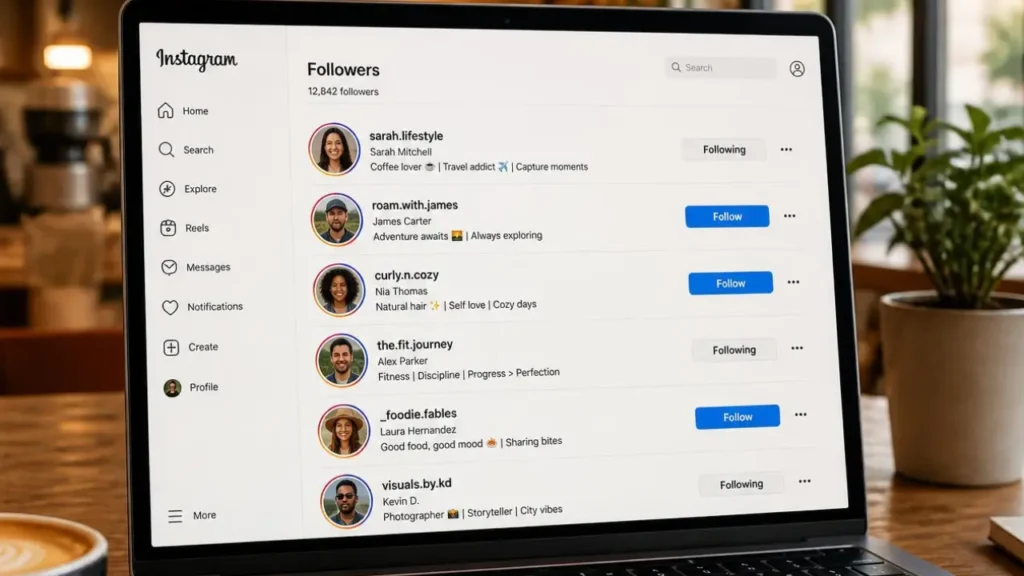
Managing a growing Instagram audience can feel overwhelming. You might want to back up your data or see exactly who is following you.
If you are wondering how to download followers list from Instagram, you are in the right place. The process is completely free and only takes a few taps. Let us walk through the exact steps to get your audience data safely.
How to Download Followers List from Instagram?
To download your Instagram followers list, open the app and go to Settings. Tap Accounts Center, select Your information and permissions, and click Download your information to request the file.
Why Download Your Instagram Followers List?
Having a backup of your audience is always a smart move. Social media platforms can be unpredictable. Securing your own copy of your followers gives you total peace of mind.
People export their data for a few specific reasons.
- Secure your community: Keep a backup list of everyone who supports your page.
- Analyze demographics: Use the data to plan better marketing campaigns.
- Track lost followers: Figure out exactly who decided to unfollow your account.
Knowing your audience data helps you make better, more informed content decisions.
Method 1: Download Directly via Instagram Accounts Center
The safest way to get your data is through Instagram itself. Meta recently updated its layout. Everything is now handled inside the Accounts Center.
Steps for Mobile (iOS and Android)
Most users prefer requesting their data directly from their phones. The process takes less than a minute.
- Open the Instagram app and navigate to your profile.
- Tap the three horizontal lines in the top right corner.
- Select Settings and privacy.
- Tap on Accounts Center at the very top.
- Scroll down and tap Your information and permissions.
- Select Download your information.
- Tap Request a download and choose your specific profile.
- Pick Select types of information and check the box for Followers and following.
Steps for Desktop and Web
You can also request this data file from your computer. The steps are very similar to the mobile app.
- Go to Instagram.com and log into your account.
- Click the More menu located in the bottom left corner.
- Click on Settings.
- Open the Accounts Center from the menu.
- Follow the same prompts to request your information download.
Instagram will send an email link to your registered address when your file is ready.
How to Extract and Read Your Downloaded Data
Once your file arrives in your inbox, you need to extract it. Instagram usually sends this data in a ZIP folder. You cannot view the list until you unzip it on your device.
When requesting the file, you can choose between HTML and JSON formats. HTML is the easiest option for most people. You can simply double-click the extracted HTML file to open a readable list in your web browser.
JSON is better if you plan to import the data into other software. Once unzipped, look for a folder named “followers_and_following” to find your exact list.
Always save this extracted folder somewhere secure on your computer.
Method 2: Using Third-Party Tools for CSV Exports
The official Instagram method is safe but not very organized. It does not give you a neat spreadsheet. This is where third-party Chrome extensions come in handy.
Many users prefer these tools because they export directly to Excel or a CSV file. This makes it incredibly easy to sort and filter your audience data.
However, you must be very careful with third-party software. Never use a tool that asks for your actual Instagram password. Stick to trusted extensions that safely scrape public data from your active browser window.
Always read tool reviews before installing anything to your web browser.
How to Easily Find Who Unfollowed You
Many people download their followers just to see who left. Cross-referencing your followers and following lists manually is a massive headache. It takes hours of staring at boring spreadsheets.
There is a much better way to track your audience. You can automate this entire process without downloading clunky zip files.
Using a tool like Unfollower Check saves you tons of time. It is the fastest way to monitor your audience retention securely. You get clear insights immediately without dealing with messy data files.
Stop wasting time on spreadsheets and use a dedicated tracker to monitor your profile.
Conclusion
Knowing how to download followers list from Instagram is a great way to secure your data. It helps you understand your audience better.
Whether you use the official Meta Accounts Center or third-party extensions, keeping a backup is smart. If your main goal is tracking unfollowers, save yourself the hassle. Try Unfollower Check to keep an eye on your audience effortlessly today.
Frequently Asked Questions
How long does it take for Instagram to send the data file?
It usually takes a few minutes. However, it can take up to 30 days depending on your account size.
Can I download the followers list of another Instagram account?
No. Instagram only lets you download official data for your own account.
Does Instagram notify someone if I download their followers?
No. Downloading your account data is entirely private. No one receives a notification when you export your list.
Is it safe to use third-party apps for Instagram exports?
It is safe if the app does not require your password. Always avoid apps that ask for your private login credentials.
What format is best for the Instagram download?
HTML is best for viewing the list directly in your browser. JSON is better for importing data into other applications.